
Image
Formats and features
0:00
- Metadata for images must be maintained in the DAM for accessibility, copyright, and licensing compliance. Alt tags must be maintained for ADA and accessibilty standard requirements.
- Set the image cropping in the DAM for 16:9. 2:1, and 3:1 break points.
- When previewing pages, if images don't render in the browser as intended, check the minumum pixel requirements of the component being used. The general minimum width required is at least 5000 pixels wide (72dpi RGB) for most components.
Image Formats
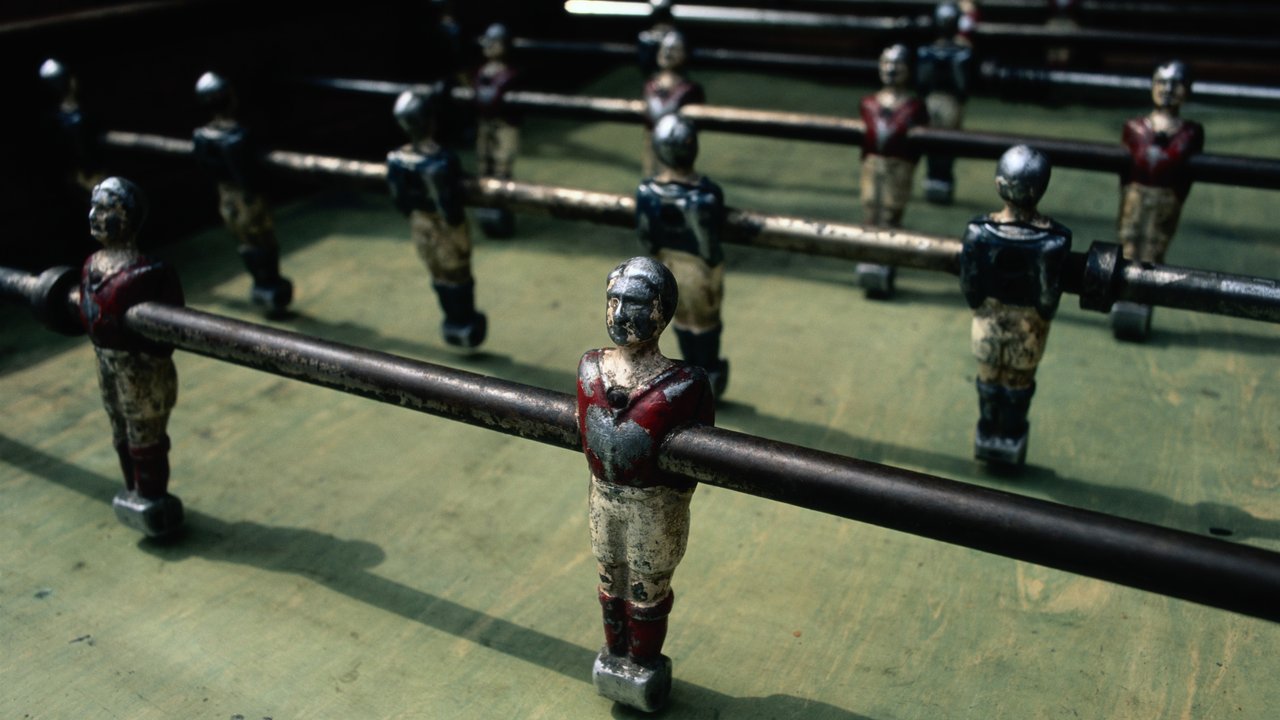
16:9 Landscape
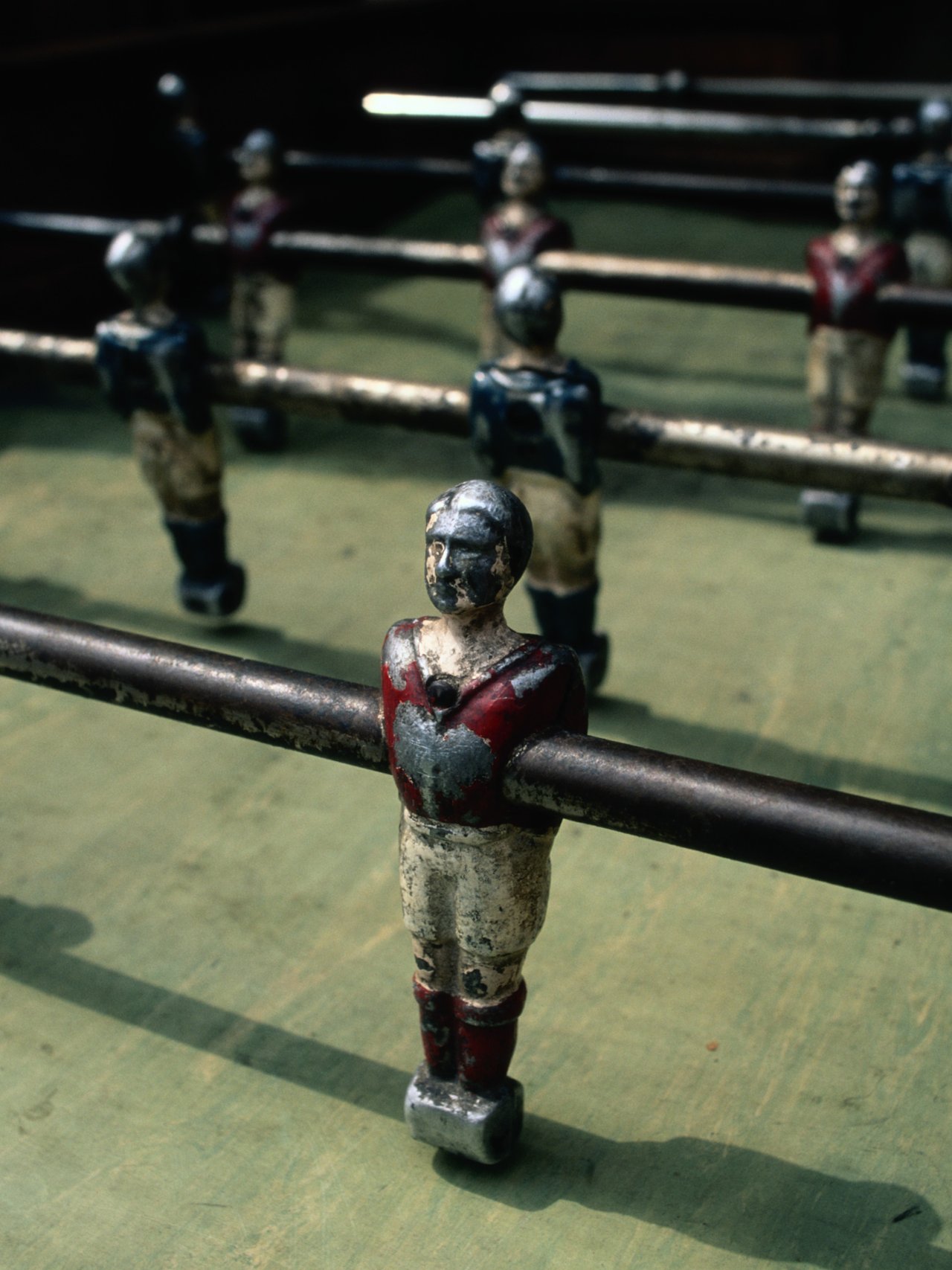
3:4 Portrait
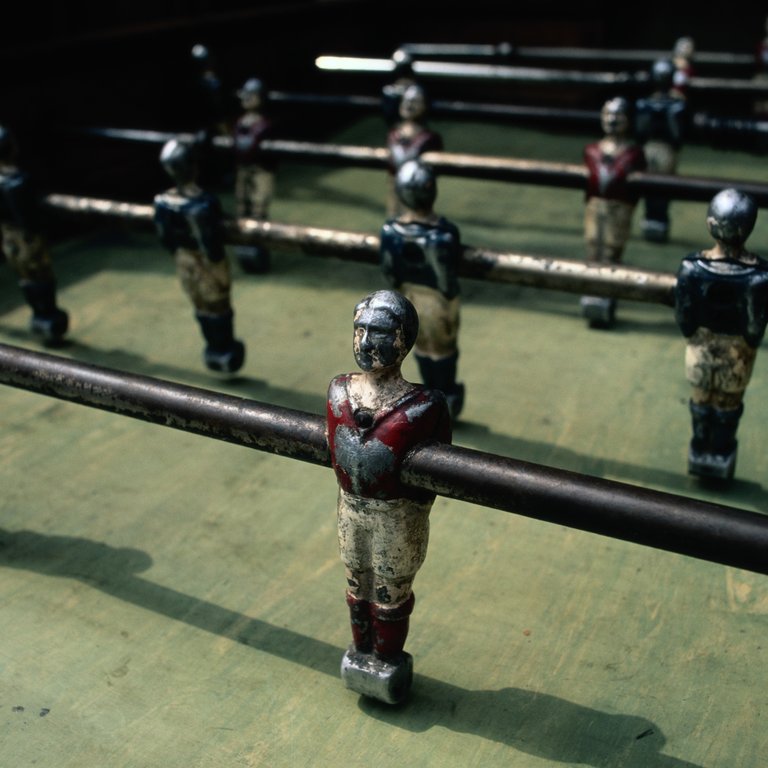
1:1 Square

Freely cropped aspect ratio
16:9 Full content width
Additional features can be combined with any format

Image with Lightbox disabled
Caption Subheadline

Image with Lightbox enabled

Image with Sharing enabled

Image with Link and disabled Lightbox
Animated GIF in an image component

Animated GIF